How long did you play games last month? Open the Monthly Report, and the answer is on the first page.
The Monthly Report turns a whole month of play records into one report that you scroll through. It covers your total play time, your most played games and your play habits. At the end, AI analyzes what type of player you are.
See how long you played this month at a glance
The first page shows your total play time for the month. It also shows how many games you played and how many times you launched them. A bar chart below shows how long you played each day.
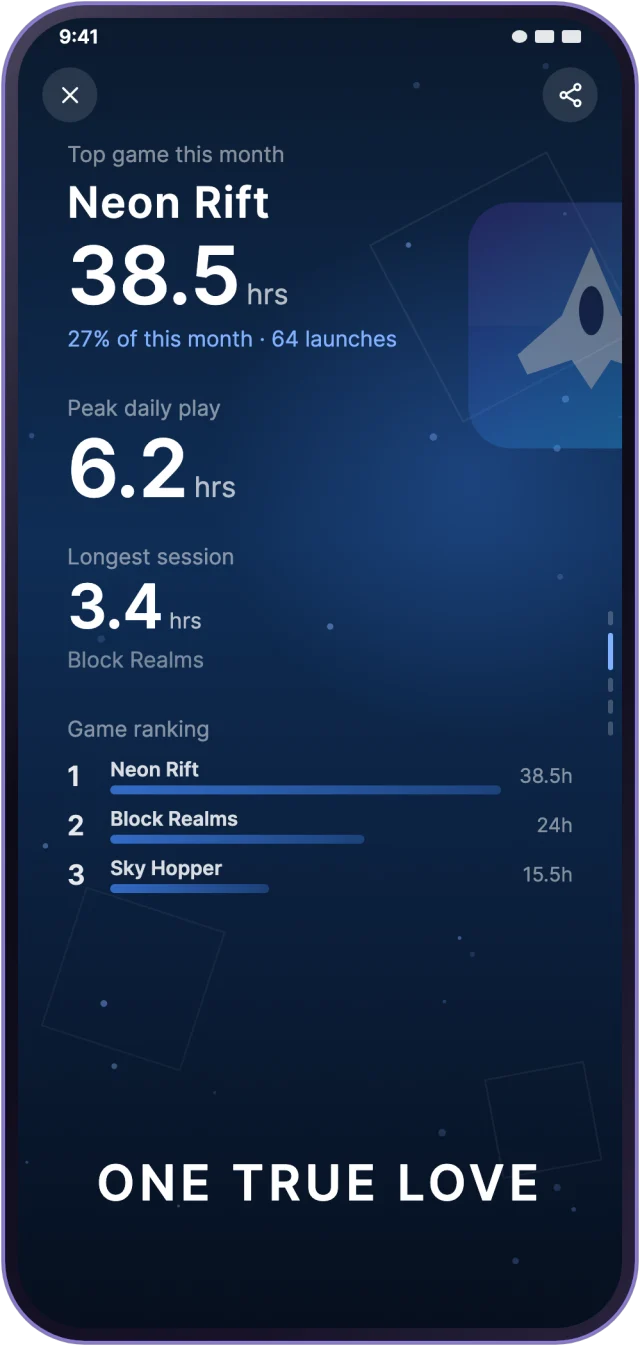
Next come your most played game and your top three games. You can also see your peak play time in one day and your longest session.
Your play habits have more of a pattern than you think
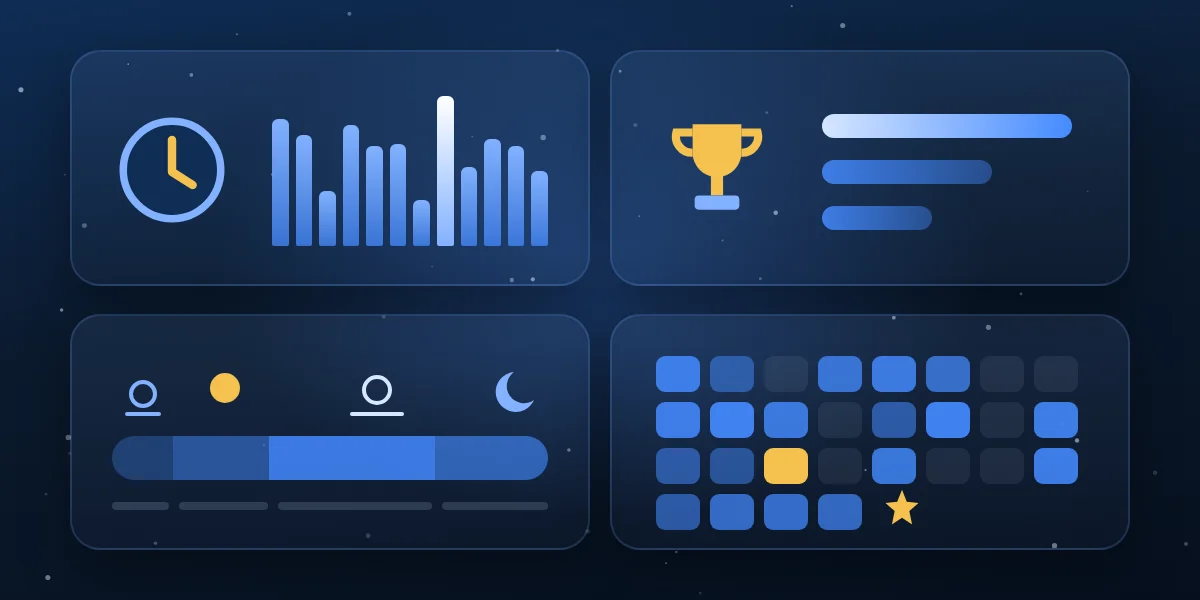
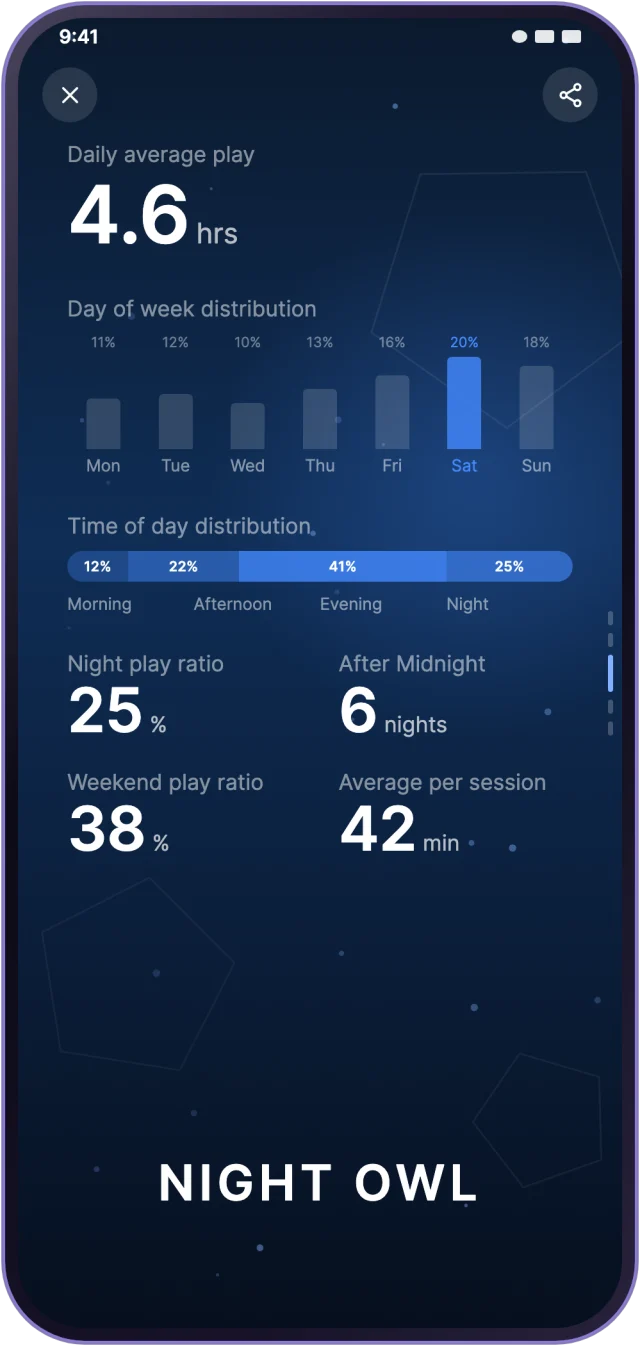
The report shows which days of the week and which times of day you play most. It also lists how much you play at night and on weekends, and how long each session lasts on average.
You can also see your longest play streak and an activity calendar for the whole month. The report compares this month with last month, so you know if you played more or less. New games you started this month are listed too.
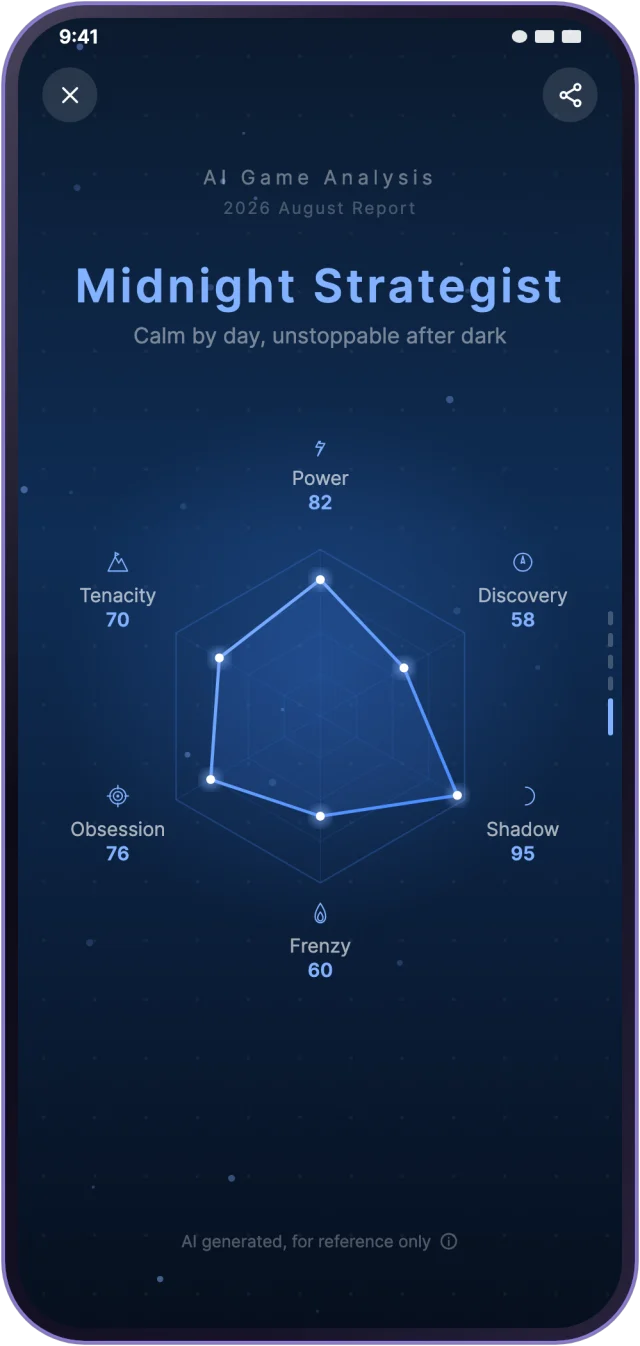
The system gives you a title based on your habits. Your title may be different each month.
AI shows you what type of player you are
AI looks at your play records and finds your player persona. The result is a radar chart with six traits, so you can see your strengths at a glance.
The analysis is generated by AI and is for reference only. Enjoy it, and keep playing for fun.

Open it from your profile, and share any page
To open the Monthly Report, go to your profile. Tap the Monthly Report button below Play Footprints. Every page has a share button at the top right, so you can save it to your gallery or send it to friends.
The Monthly Report is free to use. Your data starts from the day you download OXO. Every month, you can see the newest report for free.
To look back at reports from earlier months, you can unlock them with a subscription. The subscription is an optional extra. You can use the Monthly Report without it.
The Monthly Report is different on Android and iOS
App screens are illustrations; game names and numbers are fictional.
Up next
Feature spotlight | Live streaming: how to go live and how to watch