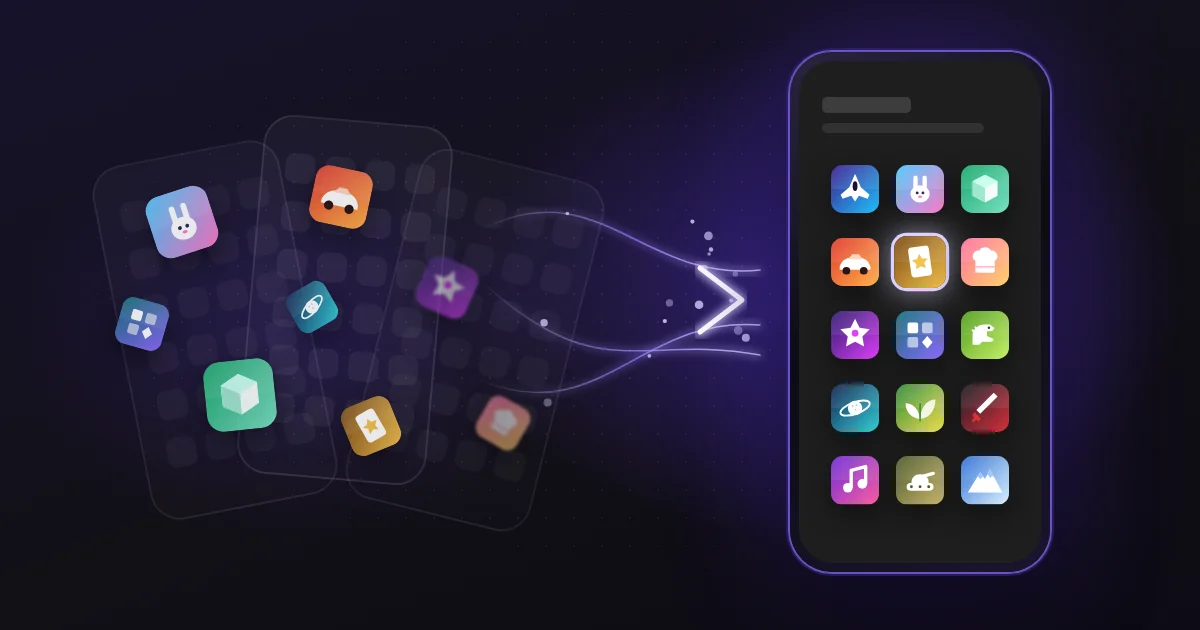
Three pages of swiping, just to find one game. A game launcher is the tool that ends this.
A game launcher is one place for all your mobile games. A basic launcher keeps your games in order, so you can open it and play.
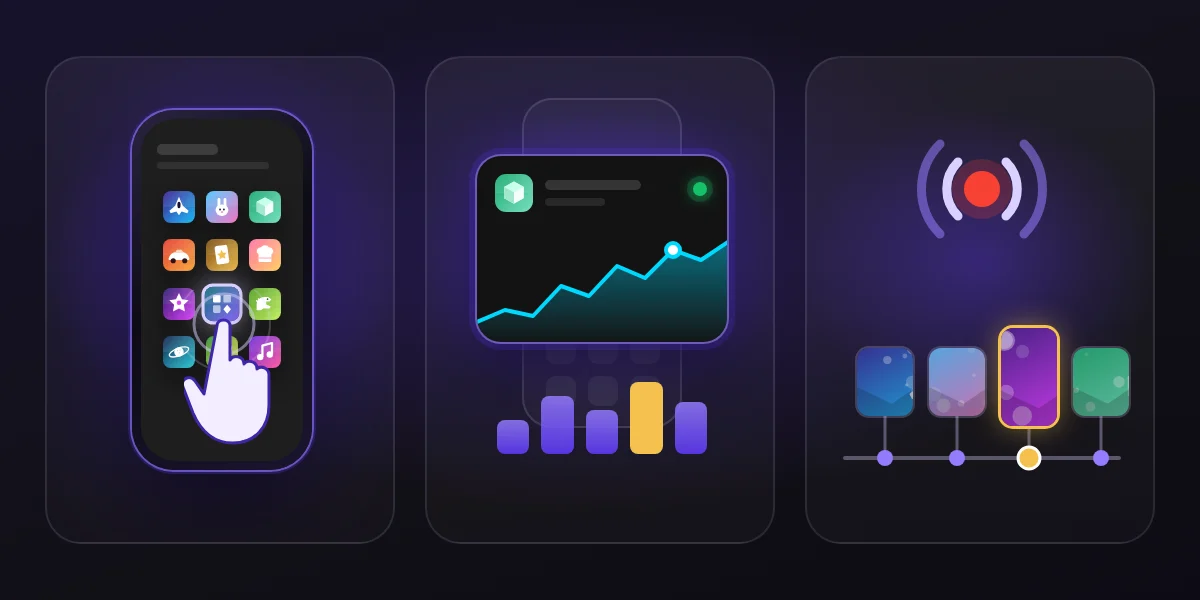
OXO does two more things. First, widgets show you what is happening in your games right now. Second, live streaming and your own play records keep your game moments.
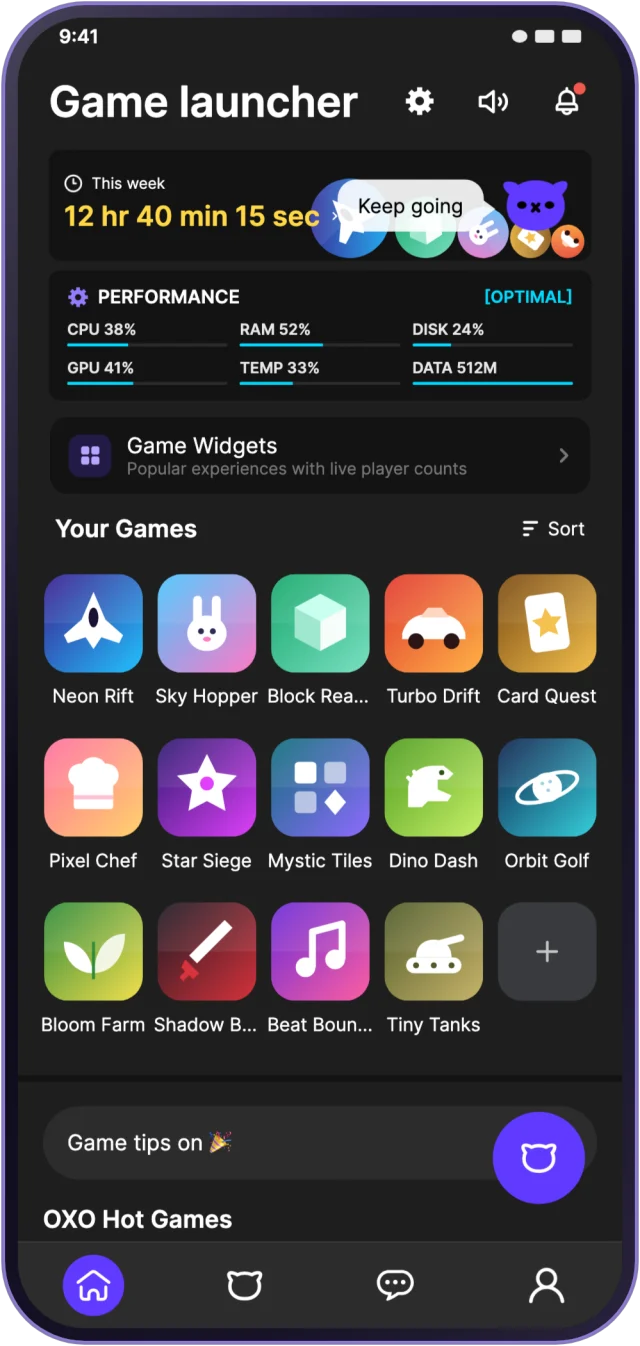
All your games in one place, with no more searching
Android only for now
OXO collects the games on your phone into one game library. Your games are no longer spread across many home screens. The more games you have, the bigger the difference.
Pick a game and start it with one tap. You can also resume your last game from here.
Open a widget and see what is happening in your games
Android and iOS
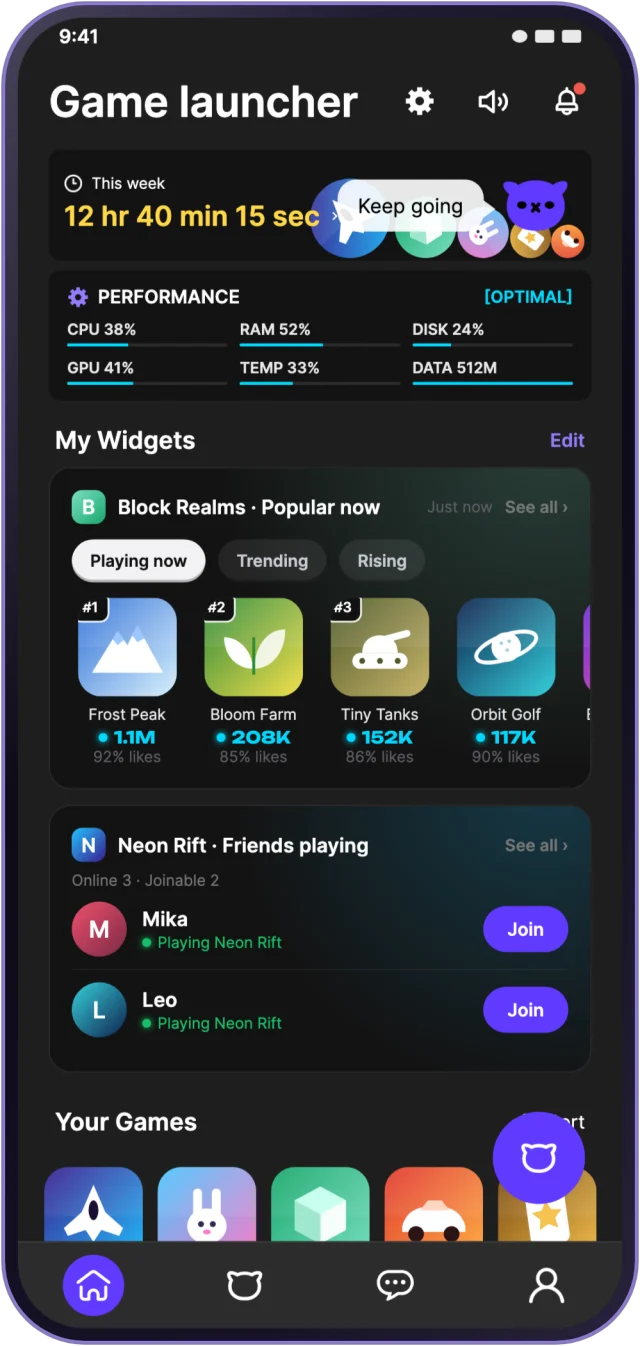
Widgets live inside OXO. They show you what is happening in your games right now.
Want to know the latest in a game? One look at a widget is enough. You do not need to open each game first.
Keep your best moments with live streaming and play records
Want friends to watch your game as it happens? Use live streaming. You can share a great moment right away, not after the game ends.
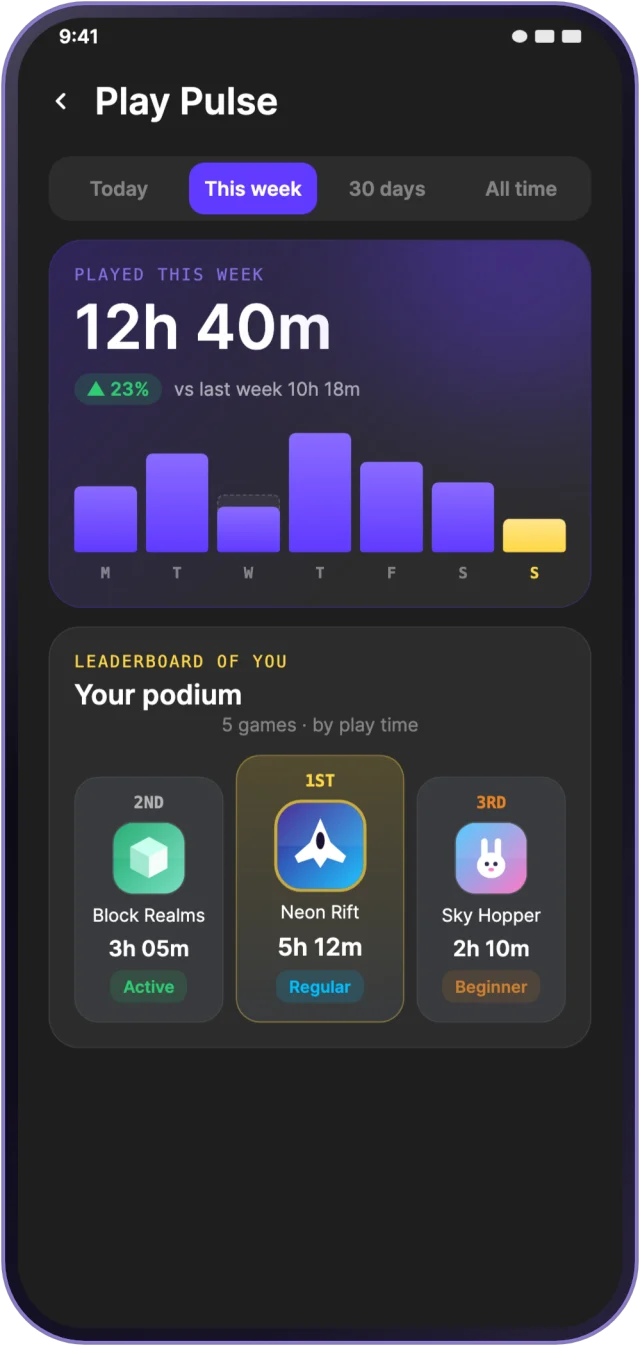
OXO also keeps your own play records. Which games you played and for how long, it is all in your records.
OXO’s official mini games also have leaderboards, so you can see how you compare with other players. Leaderboards are only for the official mini games.
The iOS version has no third-party game features yet
App screens are illustrations; game names and numbers are fictional.
Up next
Feature spotlight | Monthly Report: your month of play on one screen